Survey Editor Interface
Update time:2025-06-06 18:57:34
Canvas Area
The Canvas Area is the core workspace of the Survey Editor. Survey question nodes are placed in this area, where you can connect them and configure their properties to build your complete survey.
Component Toolbar
The Component Toolbar integrates the main functionalities of the Survey Editor, including the node library, media library, variable library, and other essential components and tools.


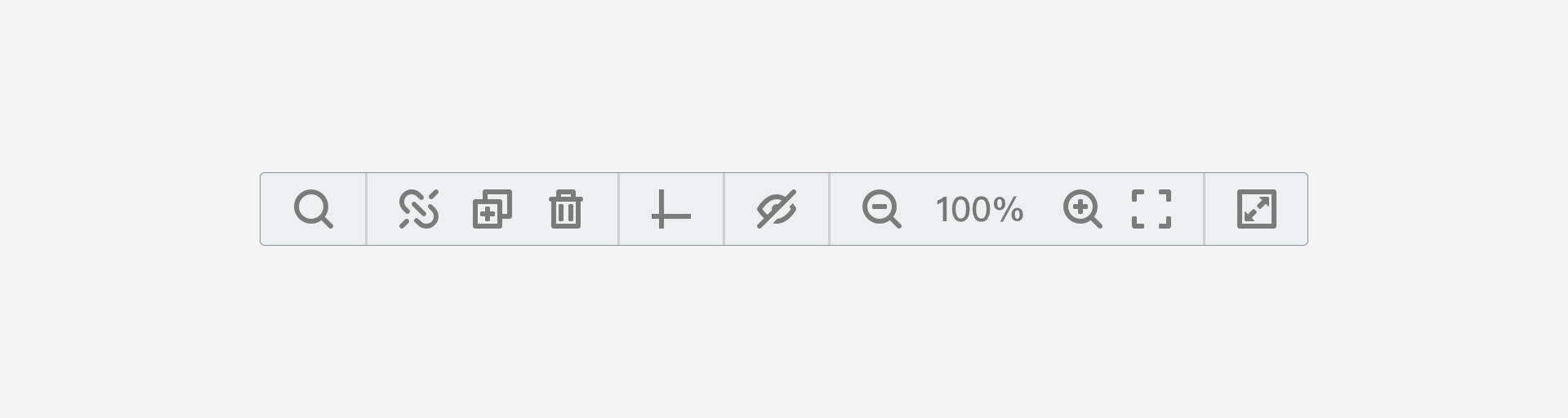
View Controls
The View Controls toolbar provides tools for manipulating the canvas view. You can zoom in, zoom out, and perform other view operations to better manage your survey content and improve work efficiency.
Property Panel
The Property Panel is the primary workspace for configuring survey and question node properties. Use this panel to set various attributes during the survey editing process.
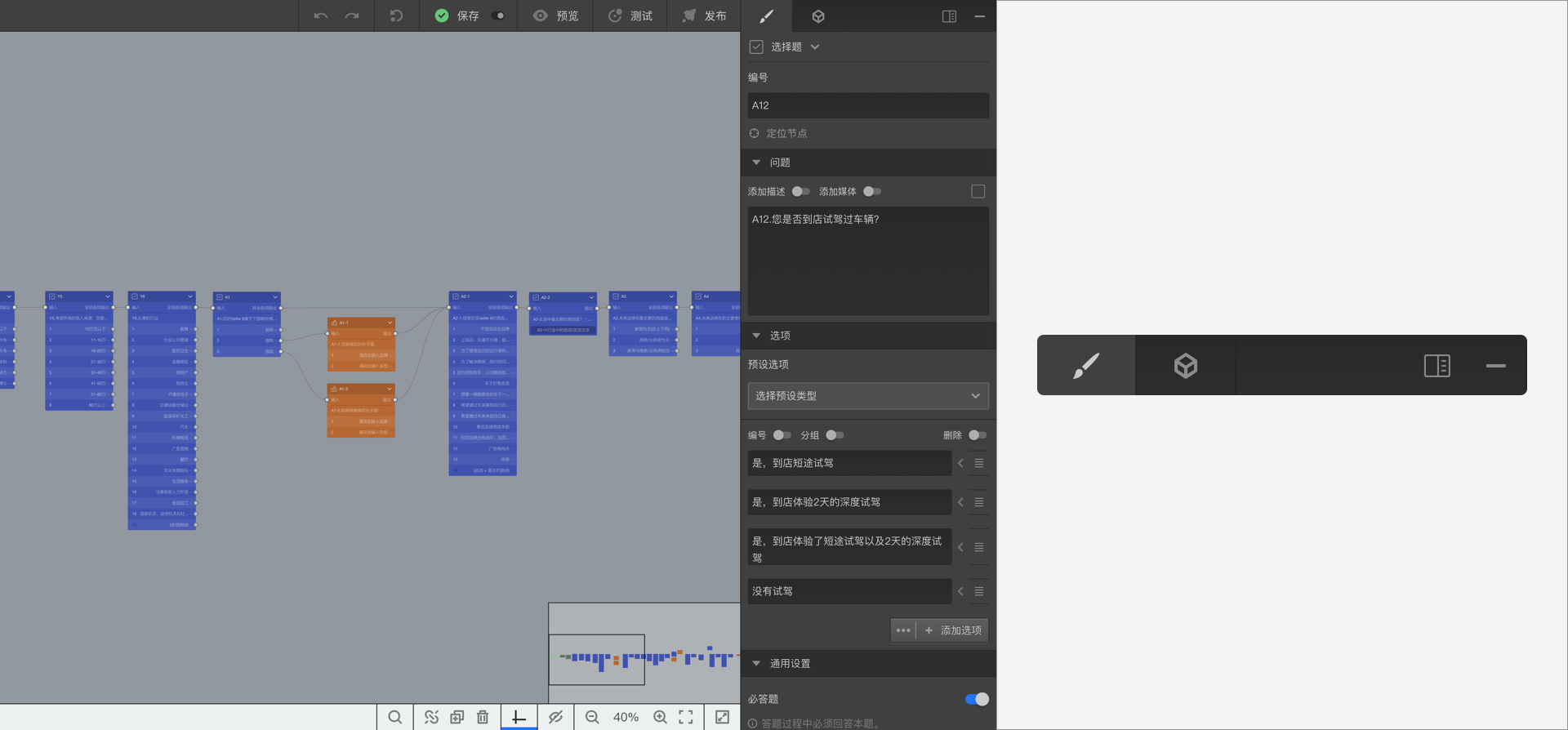
For easier editing and configuration, you can expand the Property Panel to access more detailed settings.
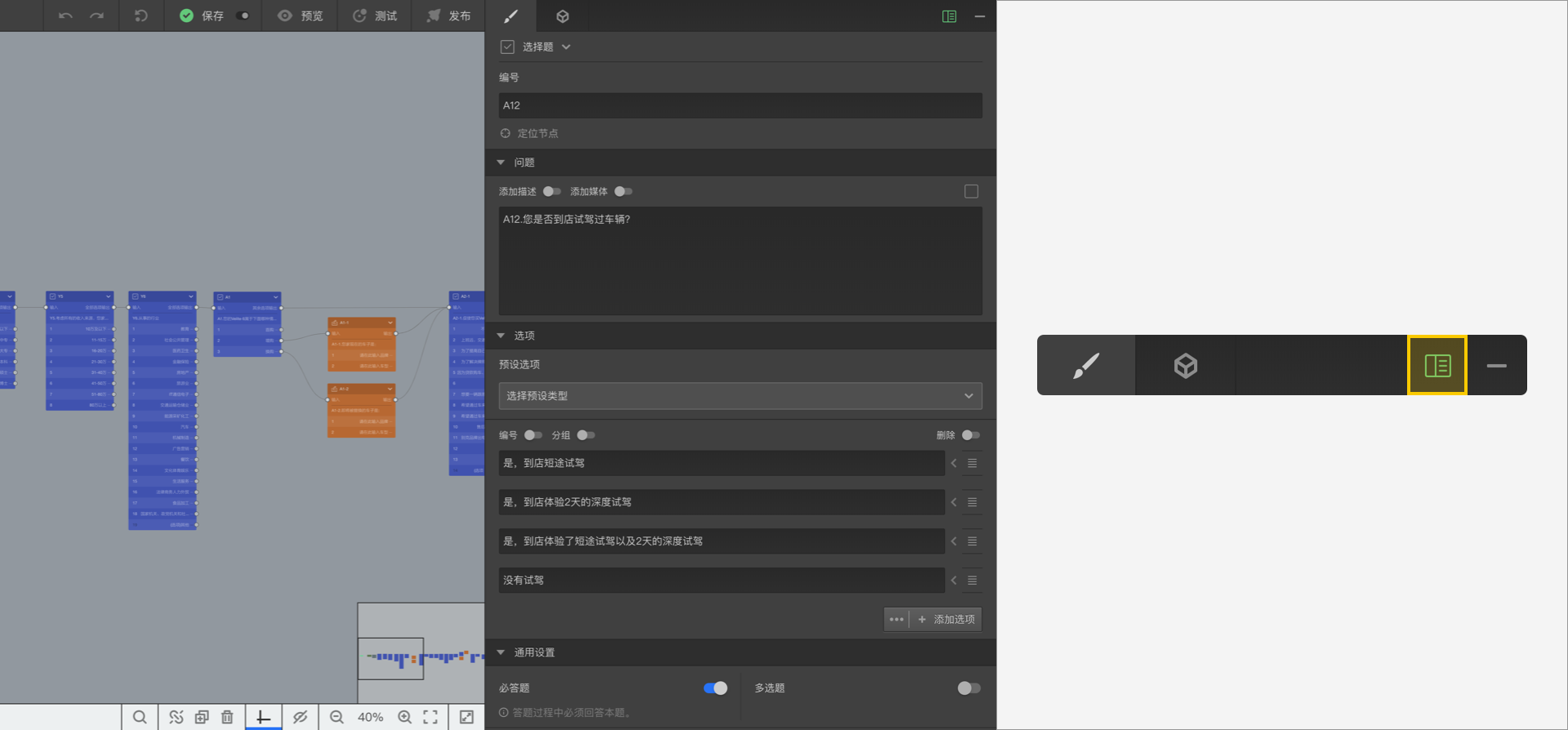
Alternatively, you can collapse the Property Panel to maximize the Canvas Area workspace.
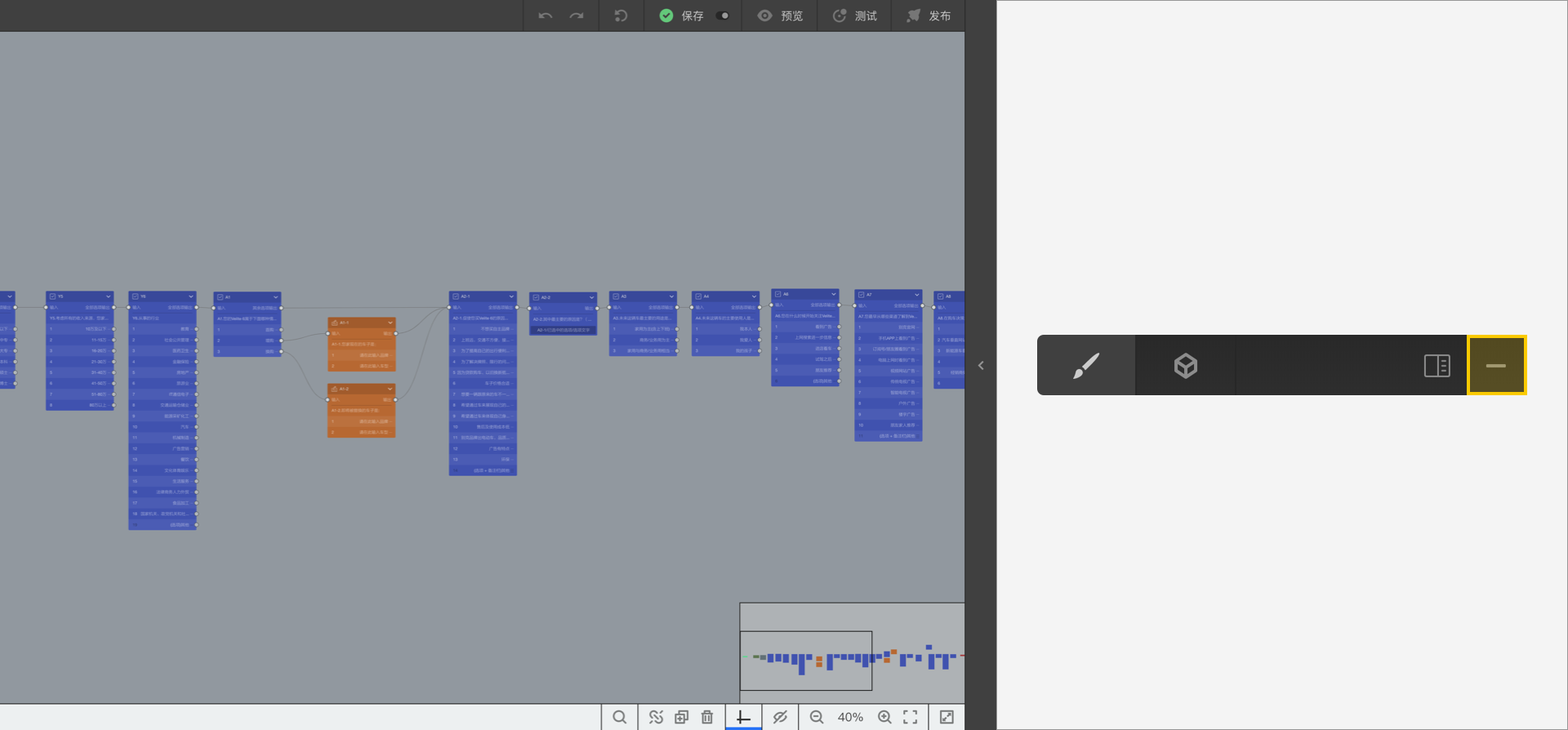
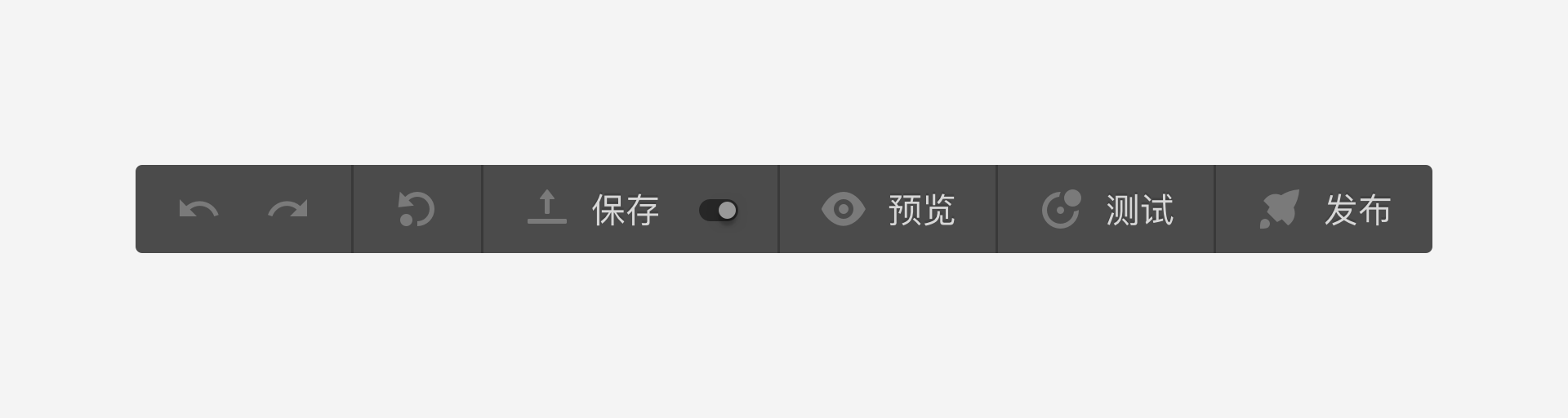
Publishing Tools
The Publishing Tools toolbar integrates survey testing, preview, publishing, and saving functionalities.
Editor Navigation
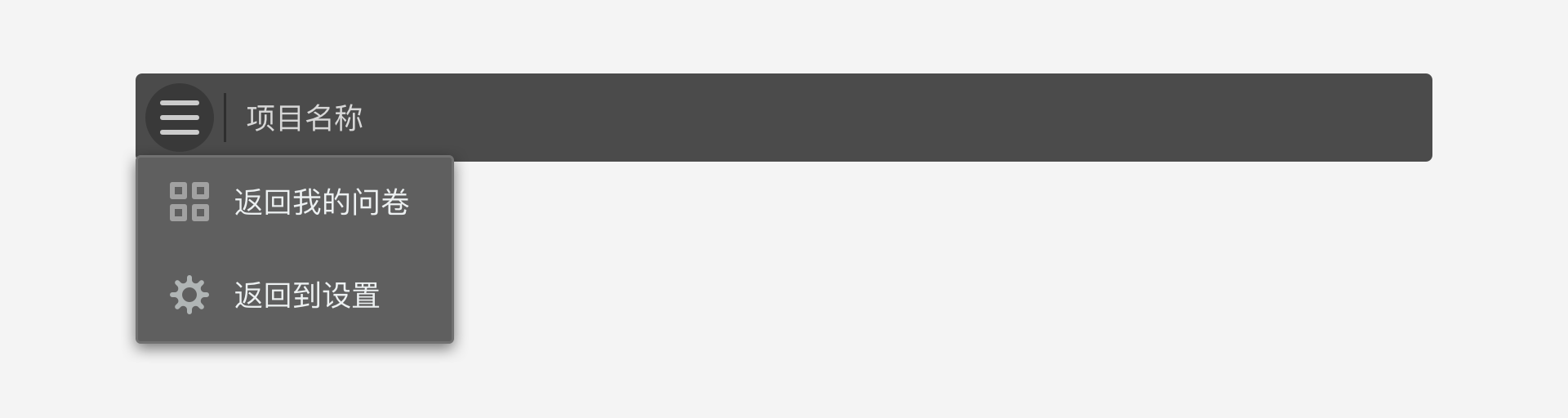
Click the Logo in the top-left corner of the Survey Editor to open the navigation menu, where you can choose to Return to My Surveys or Return to Settings.